Your current glasses
A pair you can see clearly with—single-vision prescription only.
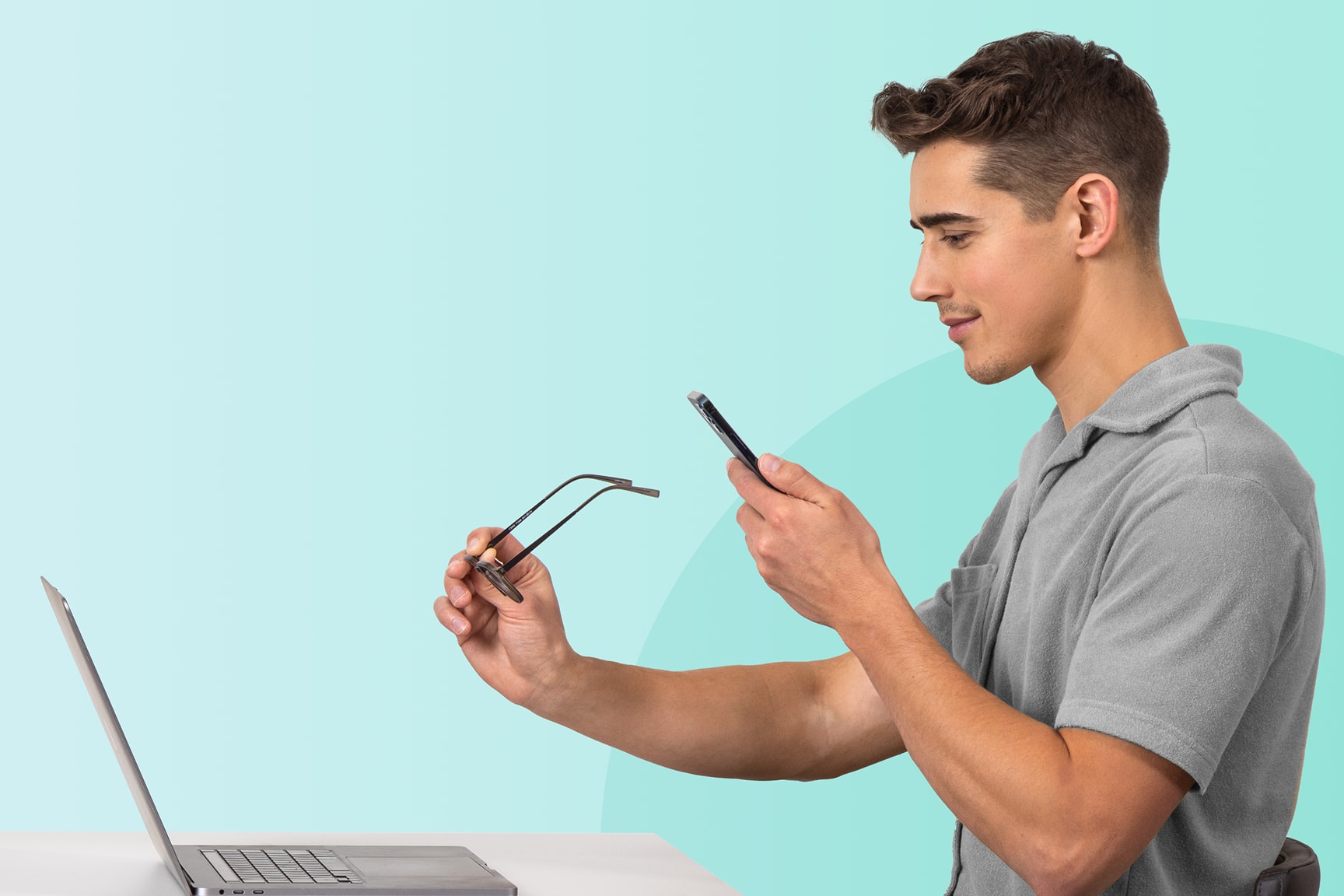
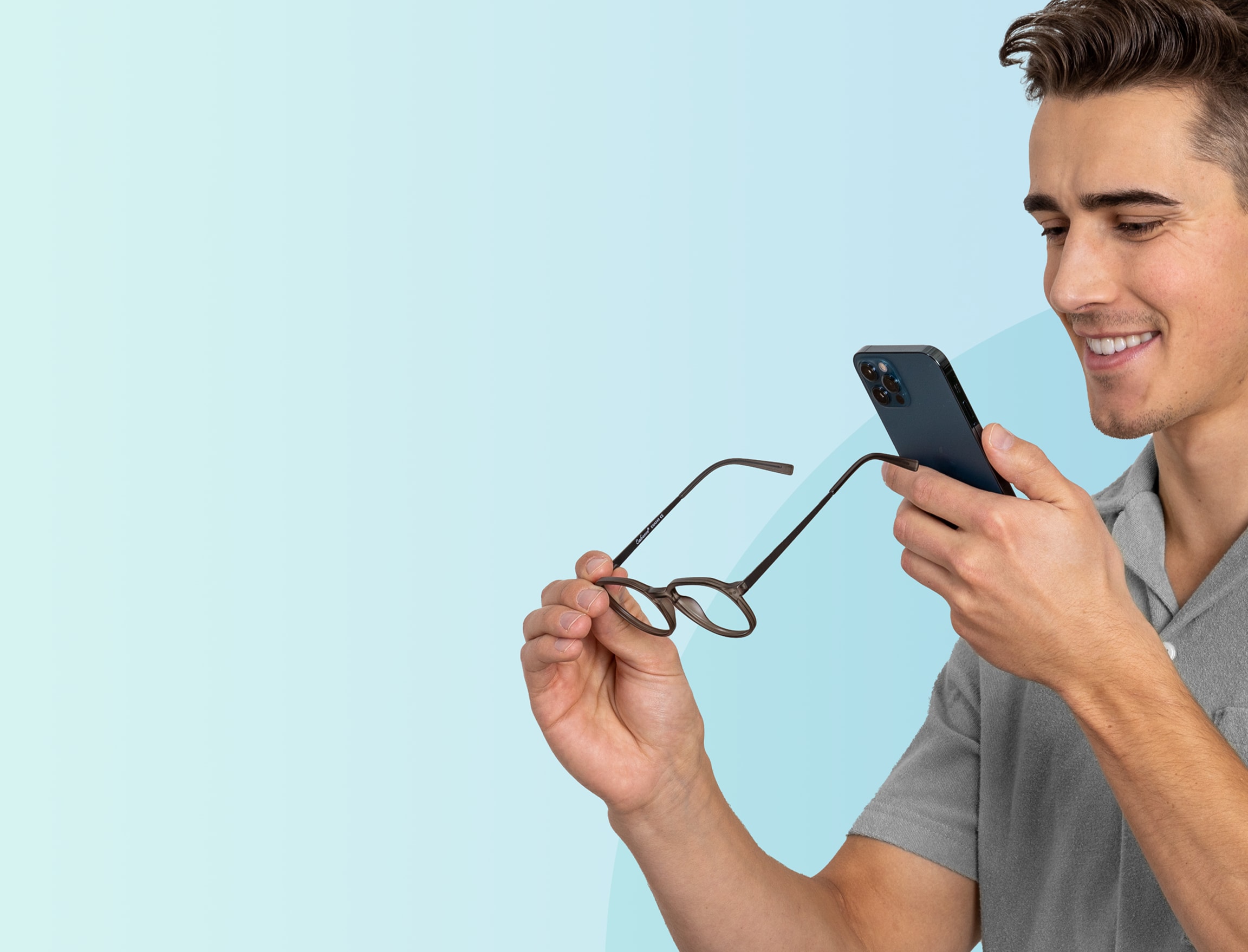
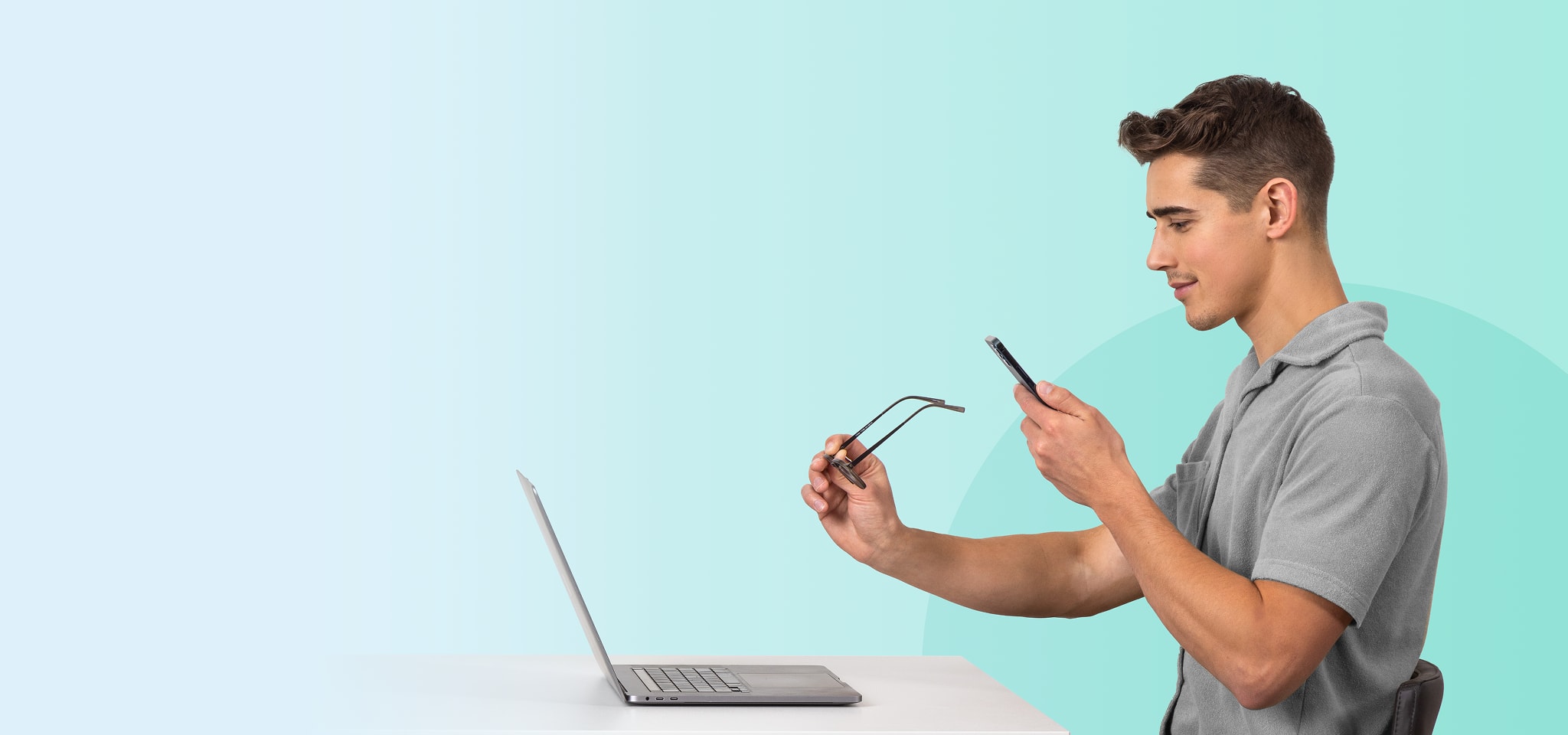

The lens scanner tool makes it easy to get your details right from your current glasses.
Free to use
Do it from home
Takes just five minutes
Instant results


A pair you can see clearly with—single-vision prescription only.

Download our iOS app to start your free scan. We’ll guide you every step of the way.

Your phone pairs with your computer to finish the scan.

Like a library or membership card—anything similar in size works for scaling.
Our free iOS app uses your phone’s technology to scan your glasses and determine your Rx.
Follow a few quick steps in the app to pair your phone with your computer—it’s easy.
Use your phone’s camera and follow the on-screen (and audio) instructions to get the angle just right.
Once we capture your prescription details, your results appear right away—no waiting.
“So much better than dealing with people at the store, so much hassle. This app is fantastic, and technology is awesome.”
“Great app! Easy to follow & got the results for purchasing glasses online that I needed.”
“Tried 4 different apps before finding this one. Simple, accurate, & doesn’t try to charge a stupid fee. If you need a measurement, this app is straightforward & useful.”
“I’m an old guy and an admitted technological dinosaur. This was super easy, straight forward and quick. If I can do this, anyone can!”
First, sync the app on your phone with your computer. The app will show you a URL—just type it into your browser. Then, use your phone to scan the QR code that appears on your computer screen.
Next, hold your glasses between your phone and your computer screen. Audio instructions will guide you to tilt your glasses up and down so the app can capture your prescription details.
Then it’s time to measure your Pupillary Distance (PD), the space between your pupils. You’ll be asked to hold a standard card (like a gym or library card) to your forehead and take a selfie.
Once you’ve finished these steps, you’ll have everything you need to order new glasses using your current prescription.
It’s free! Scan as many glasses as you’d like.
Most folks complete the scan in about 3-5 minutes.
You’ll receive your prescription details instantly on both your phone and computer. We recommend saving your results to your account or taking a screenshot for easy reference later.
This tool works only with single-vision glasses. So if you’re nearsighted, farsighted, or wear readers—you’re good to go. It even works with lenses that correct for astigmatism.
It does not support multifocal lenses, such as bifocals or progressives.
Specifically, the lens scanner can read prescriptions ranging from -6.00 to +3.00, with a cylinder value up to -2.50.
Unfortunately, no. This tool only works with single-vision glasses—not multifocals like progressives or bifocals.
Heck yes you can! This tool pulls prescription details straight from your current glasses. Just save them to your account and you’re ready to shop for your next favorite pair.
No, this tool reads the optical parameters from an existing pair of glasses. It can’t generate a brand-new prescription or replace a comprehensive eye exam.
Our lens scanner is perfect for ordering new glasses using the same prescription from your current pair. Just make sure your prescription is still valid.
This tool has been tested and meets industry guidelines for accuracy.