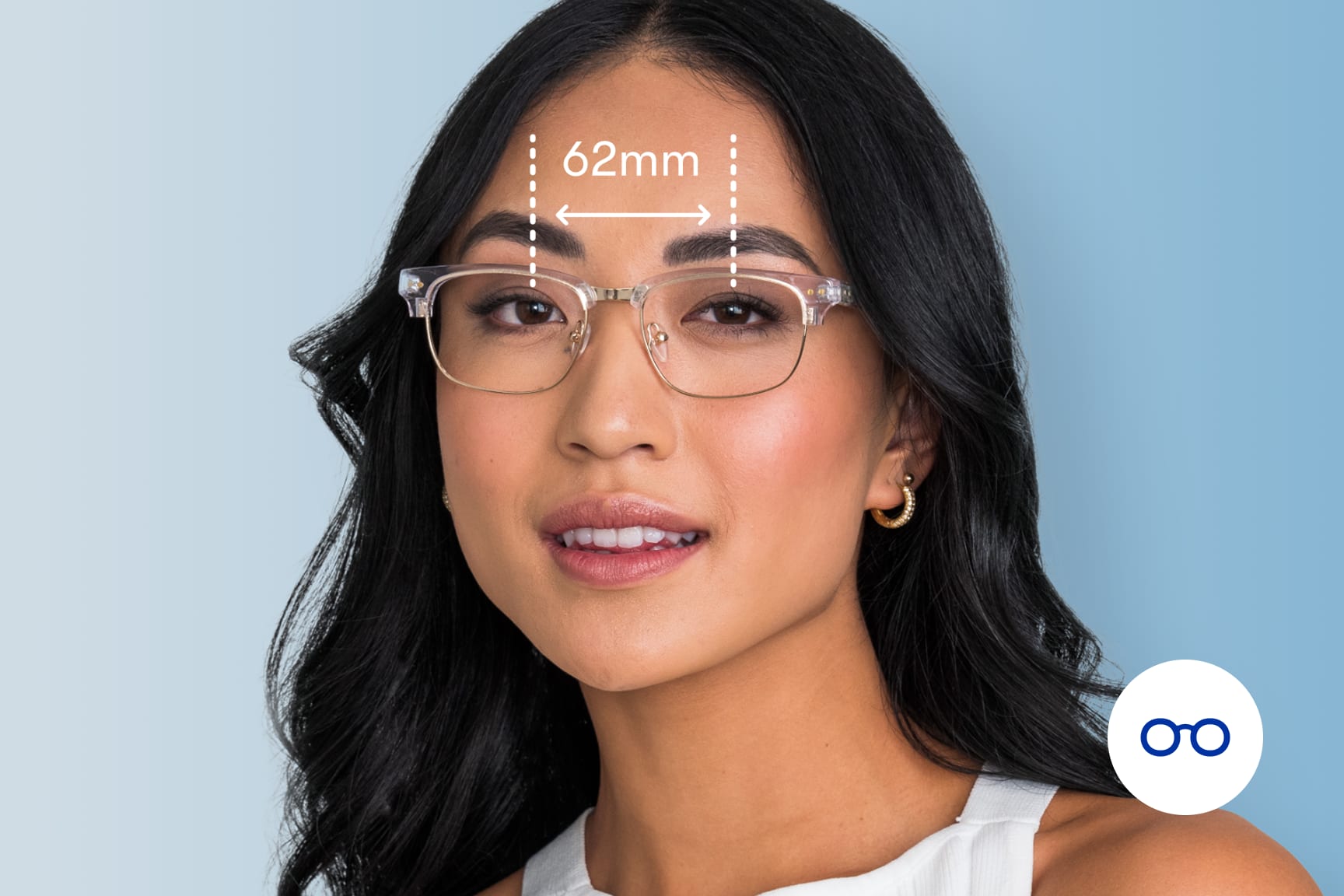
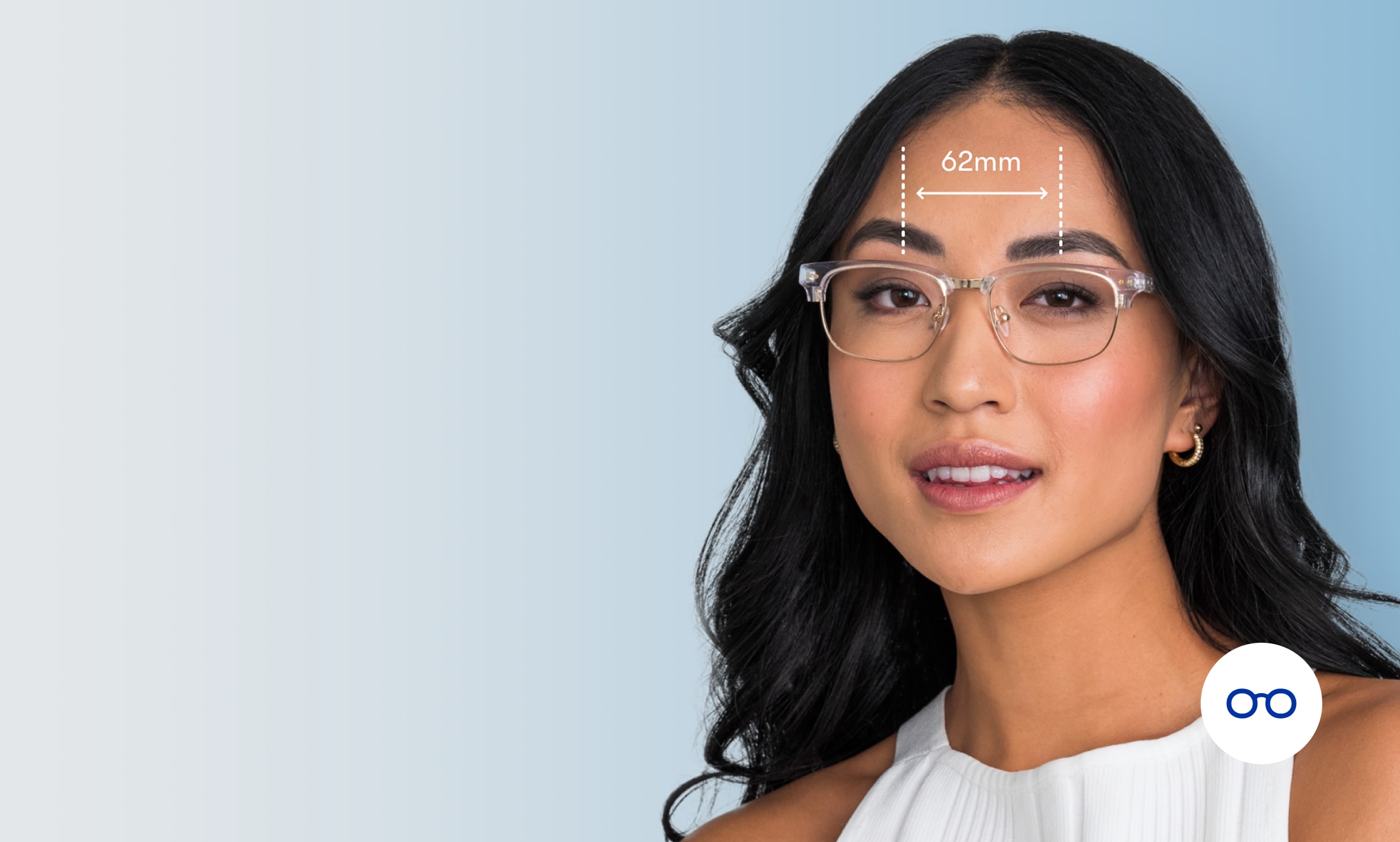
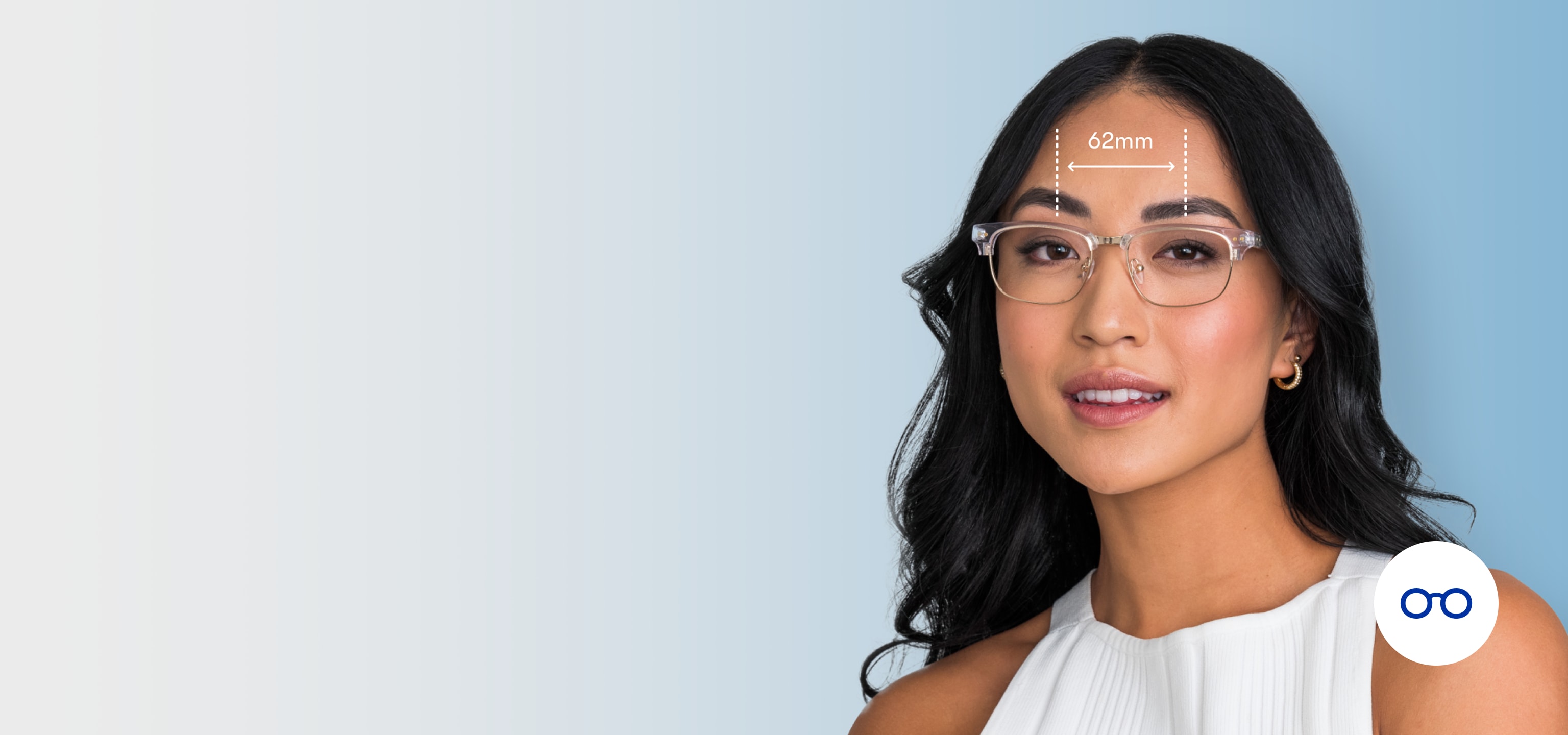
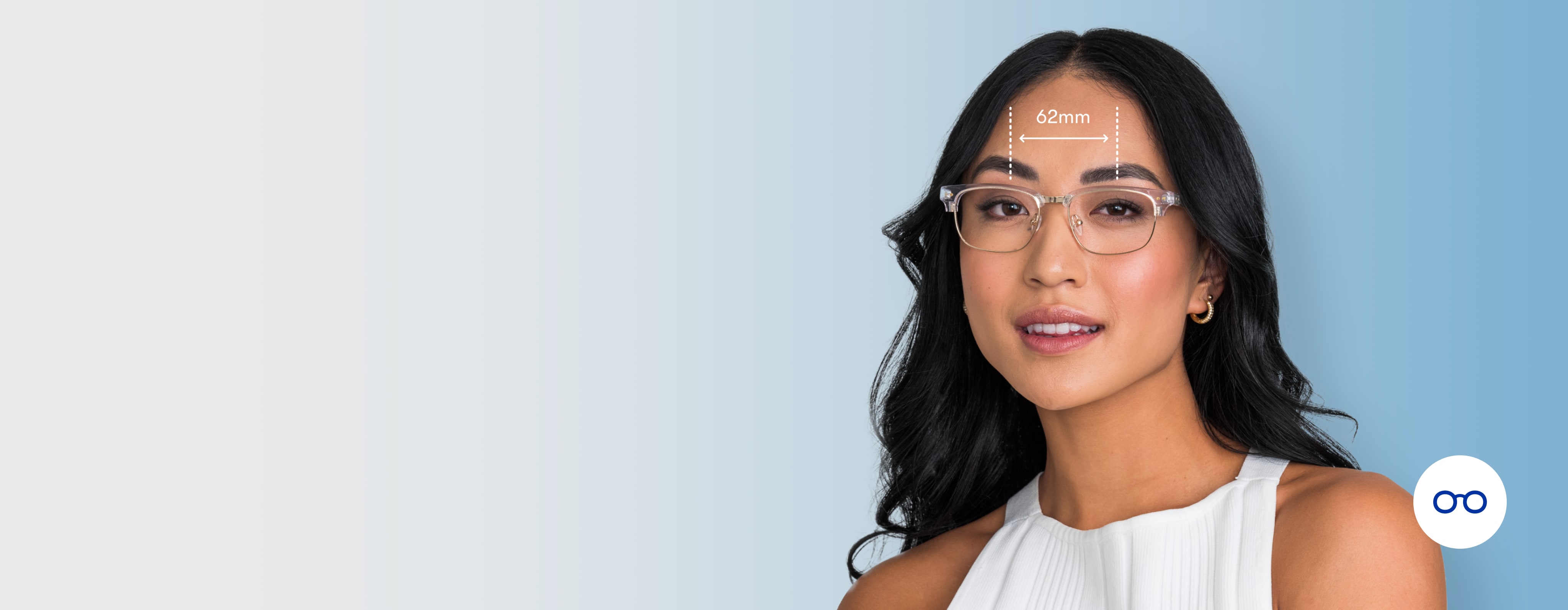
The easiest way is with our free online PD measurement tool—it uses your computer camera to calculate your pupillary distance quickly and accurately. Grab any standard-sized card, find some good lighting, and follow the on-screen steps. You can also measure your PD in The Framery app, which walks you through the same process from your phone. No doctor’s appointment needed.
How to measure your PD

Step 1: Set up for accuracy
Take off your glasses and hold a standard-sized card against your forehead—a library card, gym card, or membership card all work. This gives our tool the reference point it needs for an accurate calculation.
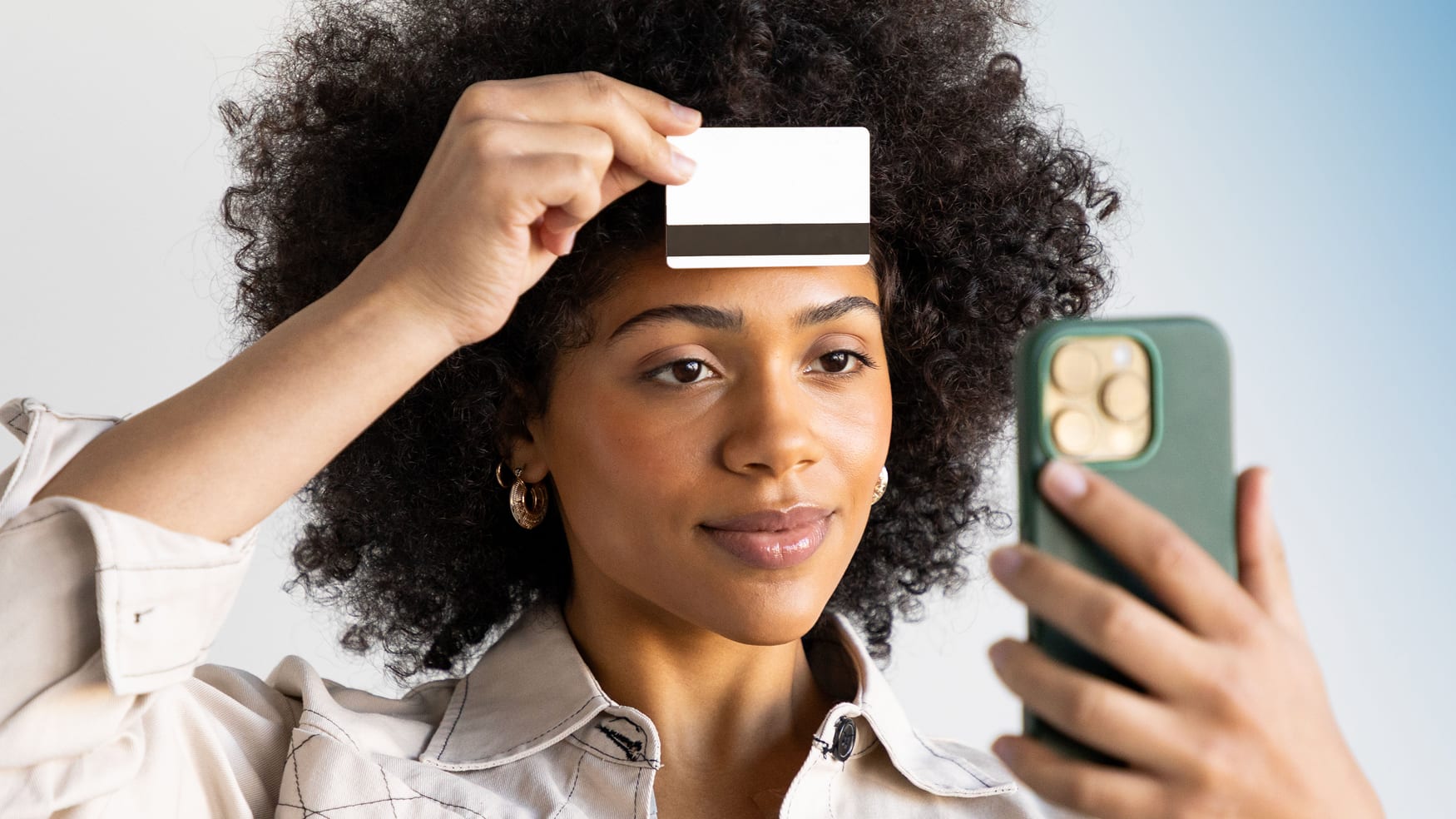
Step 2: Capture your PD
Hold your phone at eye level like you’re taking a selfie. Our tool uses your phone’s camera to calculate your pupillary distance in seconds.
What is pupillary distance (PD)?
Pupillary distance is the space between the centers of your pupils. An accurate PD makes sure your prescription lenses are aligned just right. If your PD is off, it can cause blurry vision, dizziness, nausea, or headaches.
Common questions
How accurate is the PD Reader?
Pretty accurate. In testing, 95% of scans were within 1mm of the medical standard, and 100% were within 2mm—well within the safe zone for prescription lenses. For context, the medical standard for PD accuracy is ±2.5mm.
Should I confirm my PD Reader results with an eye doctor?
Nope. Your PD Reader results are ready instantly and are accurate enough to use for your prescription glasses order—no follow-up needed.
Is this PD Reader a medical device?
In the U.S., our PD Reader is FDA-listed as a non-medical device. In some regions—including the EU, UK, Canada, and Australia—it’s registered as a Class I Medical Device. Either way, it’s been tested extensively for accuracy and is safe to use for ordering prescription glasses online.
It’s saying my browser isn’t supported, what gives?
On desktop, use Safari, Chrome, or Firefox. On mobile, use Safari for iPhone or Chrome for Android. Or skip the browser altogether and measure your PD directly in The Framery app—it’s built for this.
Why do I need to use a card, and what kind of card can I use?
A standard-sized card gives the tool a reference for scale so it can measure your pupillary distance accurately. There’s never a need to use a credit card (please don’t, really). Gym card, library card, membership card—they all work great.
So you have a picture of my face now?
We only access your camera during the scan and take privacy seriously. Our tool automatically blurs any details on your card so they can't be recognized, and your image is never linked to any personally identifiable information. For more, check out our Privacy Practices.
I keep getting errors. Help!
There are a few things that usually do the trick. Make sure your audio is on—you'll hear prompts that guide you through. Look straight into the camera with your eyes clearly visible. (Sorry, bangs—you'll need to step aside for this one.) Place your card right above your eyebrows, and hold it at the corners. Good lighting and a clean camera lens help too. If you're still having issues, contact us! We can help.